
What Is Prepress and How Is It Related to DTP? (The Gap Most Teams Miss)
Prepress and DTP: 5 Critical Stages
- Razu Ahmed
- DTP
- Reading Time: 5 minutes
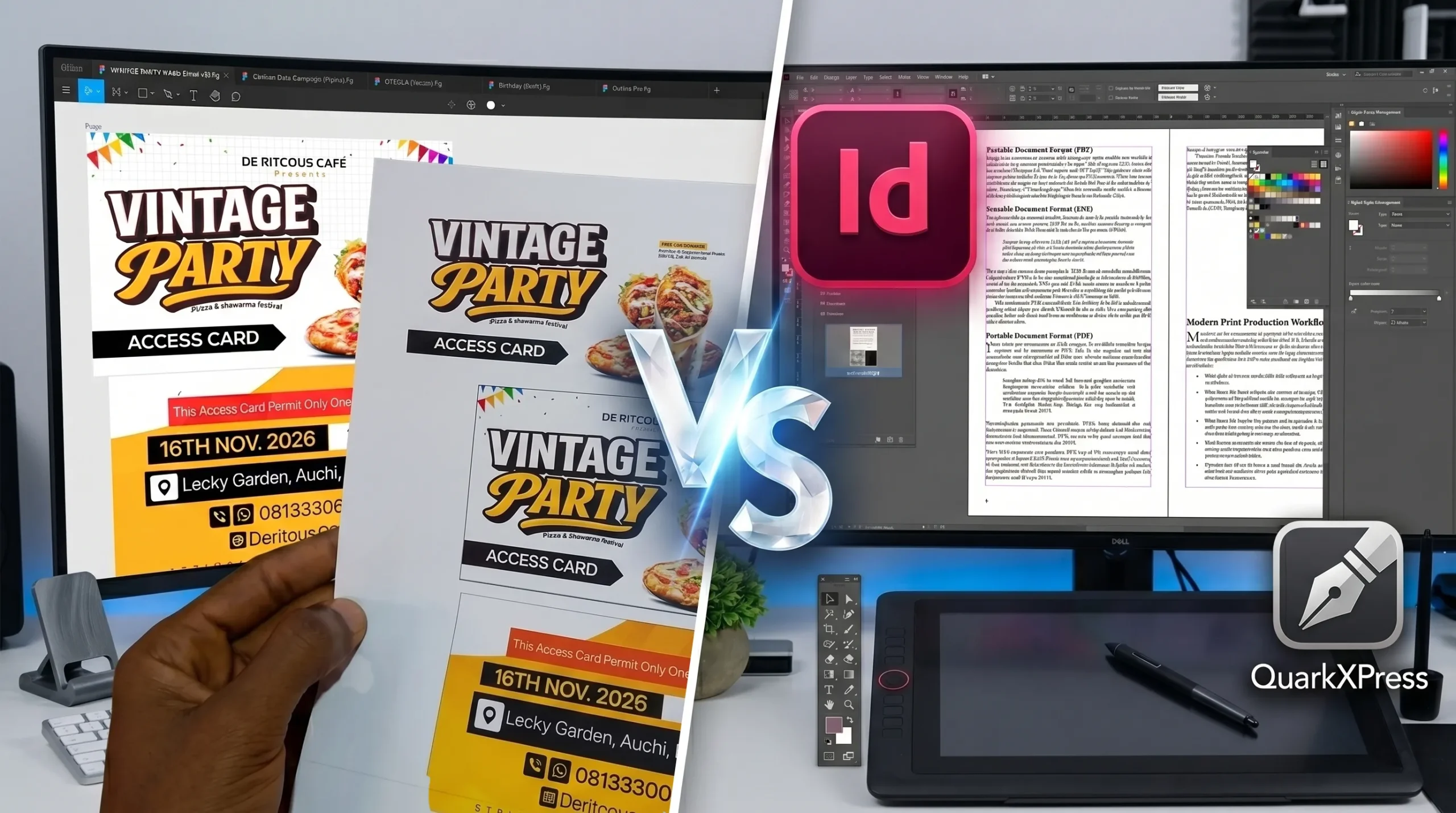
Most startup teams treat printing like sending a PDF. That assumption costs them colour shifts when RGB files go through CMYK presses, fonts drop when they aren’t embedded, and text gets cropped when bleed settings are wrong. These aren’t rare edge cases. According to industry data, 40% of printing errors occur during the prepress stage.
What Is Prepress?
- Preflight: Automated checks for font embedding, image resolution, colour modes, and file structure.
- Colour separation: Converting RGB to CMYK for accurate ink reproduction on press.
- Bleed and crop marks: Extending artwork past the trim edge to prevent white borders after cutting.
- Proofing: Generating a digital soft proof or physical hard proof for client approval.
- Plate preparation: In offset printing, the process of creating the physical plates that transfer ink to paper.
What Is DTP and Where Does It Fit?
Desktop Publishing is the process of designing and laying out documents using software such as Adobe InDesign, QuarkXPress, and similar tools. It combines typography, images, and page structure into a single file ready for production.
DTP is where the prepress story begins. At the DTP stage, designers control:
- Page dimensions, margins, and bleed settings.
- Font selection and proper embedding.
- Image resolution and colour profile (RGB vs CMYK).
- Consistent layout across multi-page documents.
A well-built DTP file sets prepress up for a fast, clean approval. A poorly built one with screen-only RGB images, missing fonts, or absent bleed forces prepress technicians to rework the file before it can go to press. That adds time, cost, and risk to every run. For a full breakdown of each prepress stage, the Approval Studio prepress guide walks through the complete process.
Prepress vs. DTP: Where Each Stage Begins and Ends
|
Stage
|
DTP Role
|
Prepress Role
|
|---|---|---|
|
Layout & typography
|
Design and typeset the document
|
Verify font embedding, check text overflow
|
|
Color setup
|
Apply CMYK or RGB in design software
|
Convert to the correct colour mode for press
|
|
Image resolution
|
Place images at a minimum of 300 DPI
|
Confirm resolution is press-ready
|
|
Bleed & margins
|
Set bleed in the document settings
|
Check bleed meets the printer's specification
|
|
File export
|
Export as PDF/X-1a or PDF/X-4
|
Run preflight on the exported file
|
|
Proofing
|
Review layout proof with the client
|
Create colour-accurate proof for approval
|
|
Press preparation
|
No role after file handoff
|
Prepare plates and approve for press run
|
Treating DTP and prepress as the same thing is where most production errors start. They overlap, but each has a distinct owner and a distinct set of responsibilities.
Why This Matters for Founders and Growing Brands
- Colour inconsistency: Brand colours print darker or shift tone because RGB-to-CMYK conversion wasn’t handled at the DTP stage.
- Text cutoffs: Content placed too close to the trim line disappears after cutting.
- Pixelated images: Photos that look sharp on screen appear blurry at the final print size.
- Font substitution: Missing fonts trigger automatic replacements that alter your typographic layout, spacing, and hierarchy entirely.
The Bottom Line
Prepress is the bridge between a finished DTP file and a print-ready one. When both are handled by people who understand the full production chain, print materials come out consistent, accurate, and on-brand every run. Getting this right once is far less expensive than correcting it at the printer.
The gap between a beautiful design and a successful print job is prepress, and it’s a shorter gap than most teams think when the right DTP foundation is already in place.
DOTMARQ is a creative production partner that handles DTP, prepress preparation, and design for tech companies and growing brands so your files go to press right the first time, with no rework, no reprints, and no surprises. Work with dotmarq to get print-ready files that reflect your brand’s quality at every stage.
DOTMARQ makes your document production consistent, on-brand, and deadline-ready without the back-and-forth.
Related posts